

When editing a page, you have the option to set it to "Not Published". This allows the current published page to remain visible to the public while you make changes.
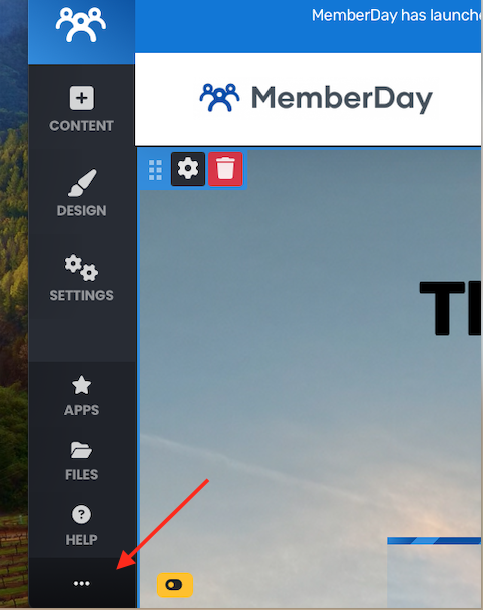
To access this feature, with the admin menu displayed on the left side of the screen, navigate to the bottom left corner and click on the three dots.
You'll see the "Live" button. This means that your page is live.
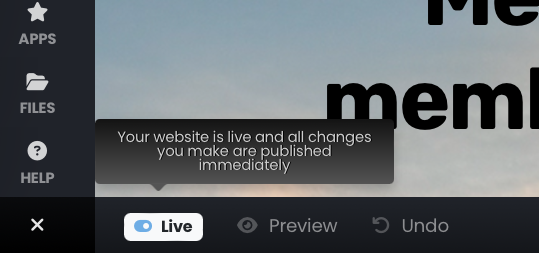
Click on the "Live" button to toggle to the "Not Published" mode. "Not Published" will show in the drawer at the bottom of the screen. The instance of your webpage that showed prior to clicking "Live" will still show. This means the current version live so others can see you website and any changes you make will be a draft until you publish them.
When you are ready to publish the changes, simply click on the "Not Published" button. Click the "Publish Draft" button to publish your page.