

Sometimes when working on the website you want to see it how a visitor would see it. To do so follow these instructions:
1. Click the three dots in the lower left
2. A menu will show on the bottom and on the right side is "Website Administrator Mode"

3. Choose that then click "Exit Administrator Mode".
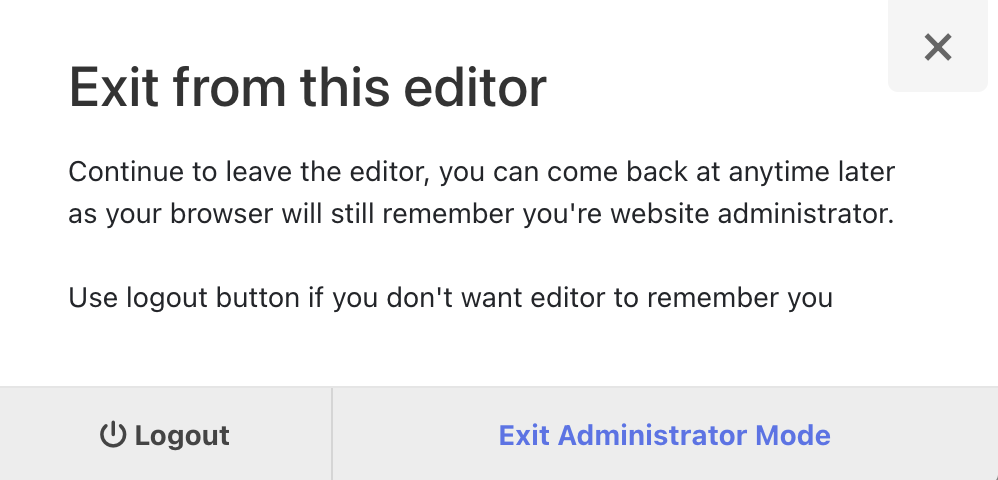
4. You will then be able to view the site like a visitor. When done, click the button in the lower left to go back to administrator mode.
*Another option is to open your website in a different browser. For example, if you are using the Safari browser when working in the public website builder, you could open your website in Chrome. You avoid needing to move between Admin mode and View mode.