

When in "Admin" or "Editor" mode in the Public Website, log out using the following steps:
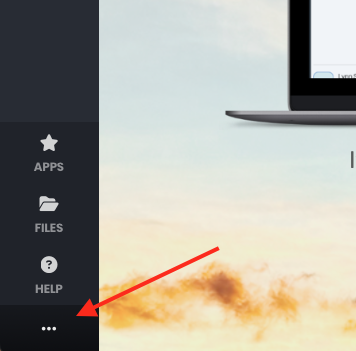
In the left menu at the bottom click the 3 dots.
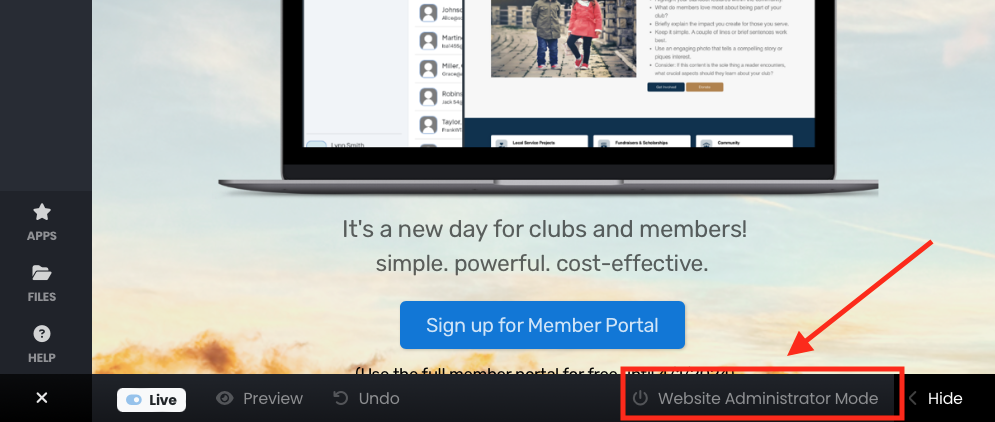
Click "Website Administrator Mode". The "Exit from this editor" box will show.
Click "Logout".
Note: If you want to stay logged in (to be able to easily return to the admin mode) then click "Exit Administrator Mode". This allows you to view the webpage in Viewer mode, rather than editor mode.